All work

SammaPix

WebPrivacy96 tools
TypeOwn product
Year2026
WhereBrowser · Chrome
PriceFree · Pro $9

Every file. Zero upload.

SammaPix is my tool for working with files in the browser: 96 tools for images, PDFs, archives and RAW files. Drag, pick, download — your files never leave your device, they never touch a server. Free, open source, and available as a Chrome extension.

01 — The ideaZero upload

Online tools make you upload files to unknown servers. I wanted the opposite: everything runs in the browser, files never leave your device.

02 — How I built it96 tools, one tab

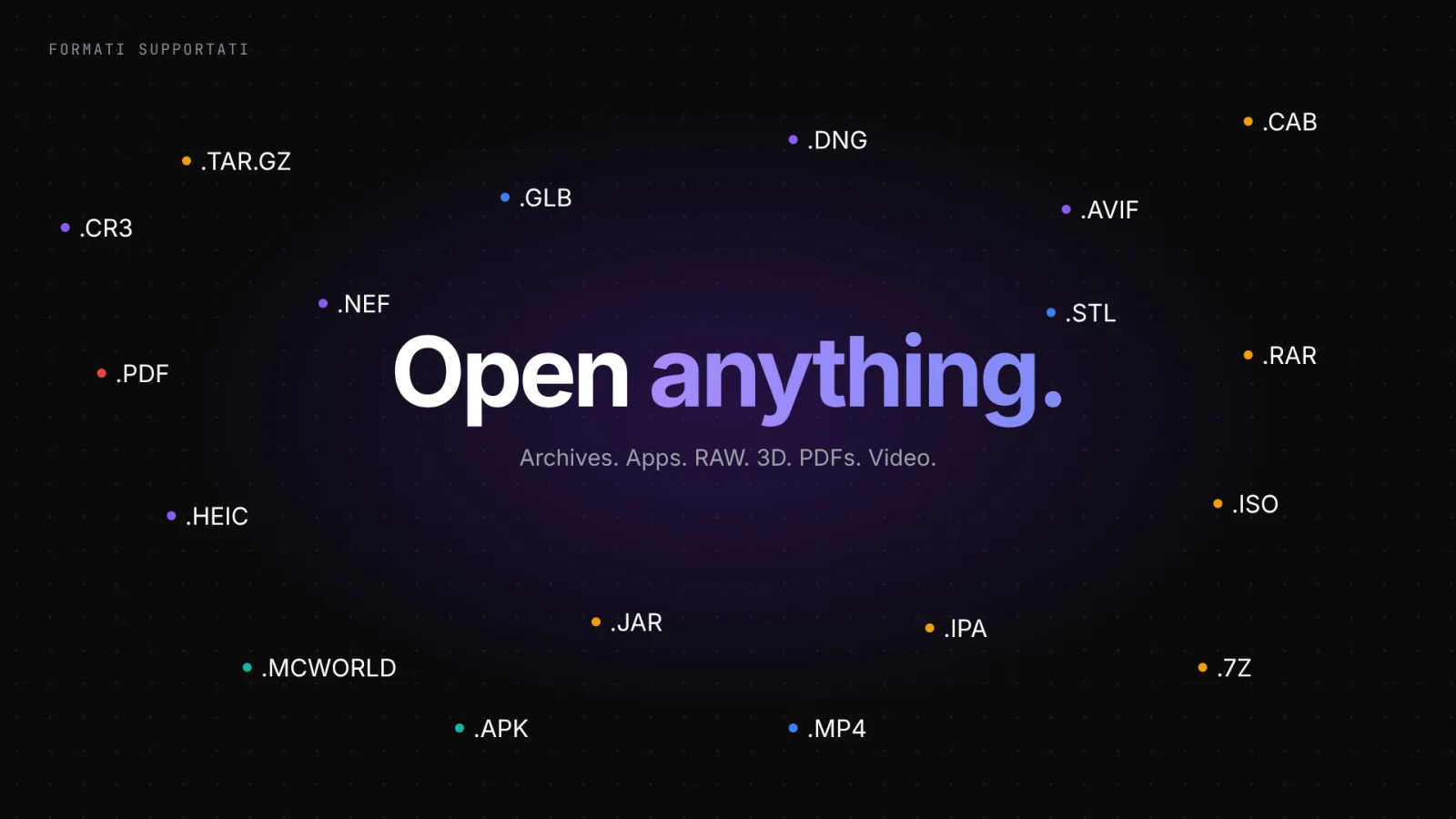
Images, PDFs, archives, RAW, EXIF, even developer conversions: 96 tools in a single tab. Drop the file, pick a tool, download.

03 — The resultFree and open source

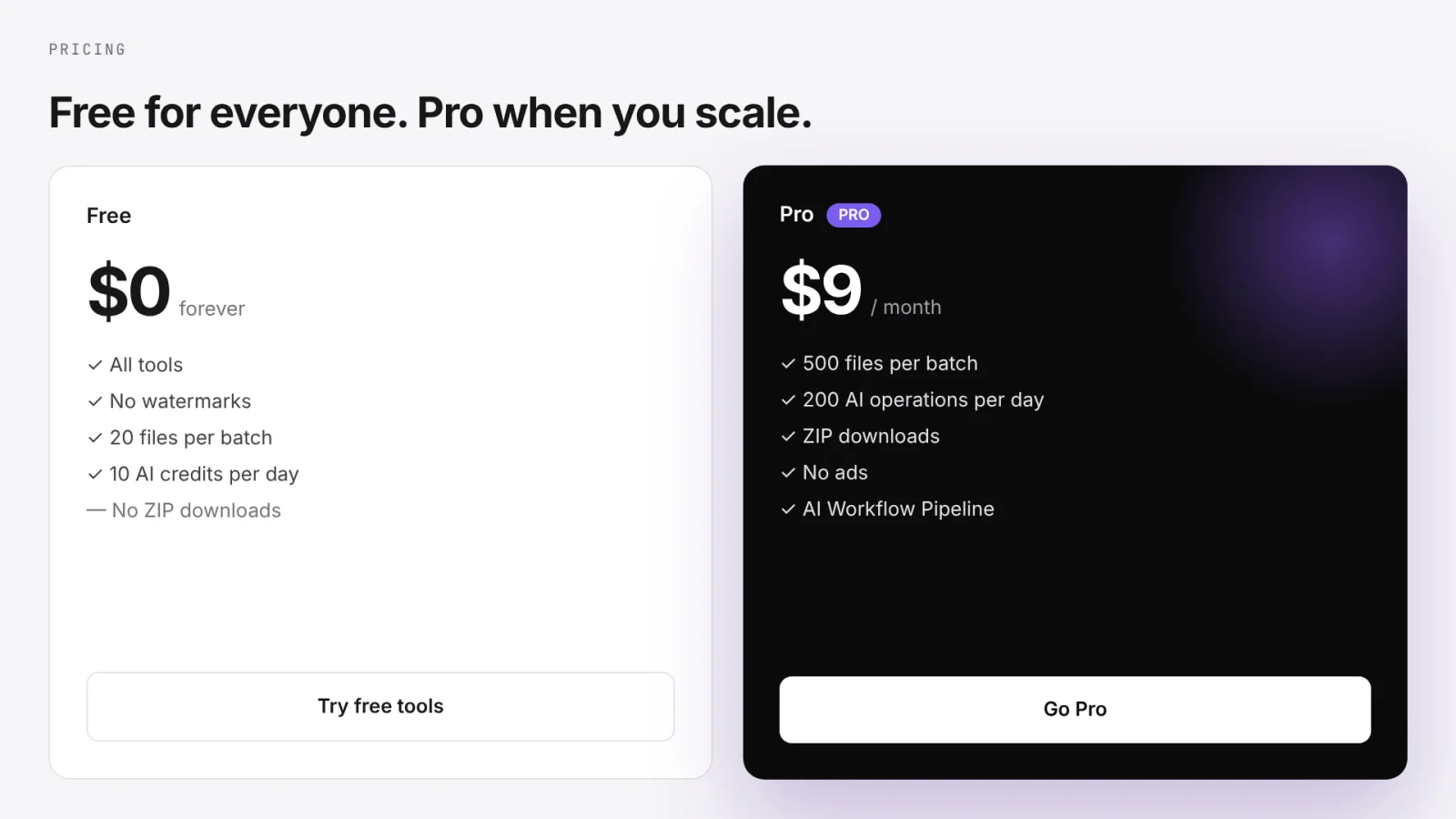
Free for everyone, Pro when you scale. No watermarks, no sign-up, open code (MIT), and available as a Chrome extension. Brand and product built together.

Try it. It's interactive.

An identity, not a template.

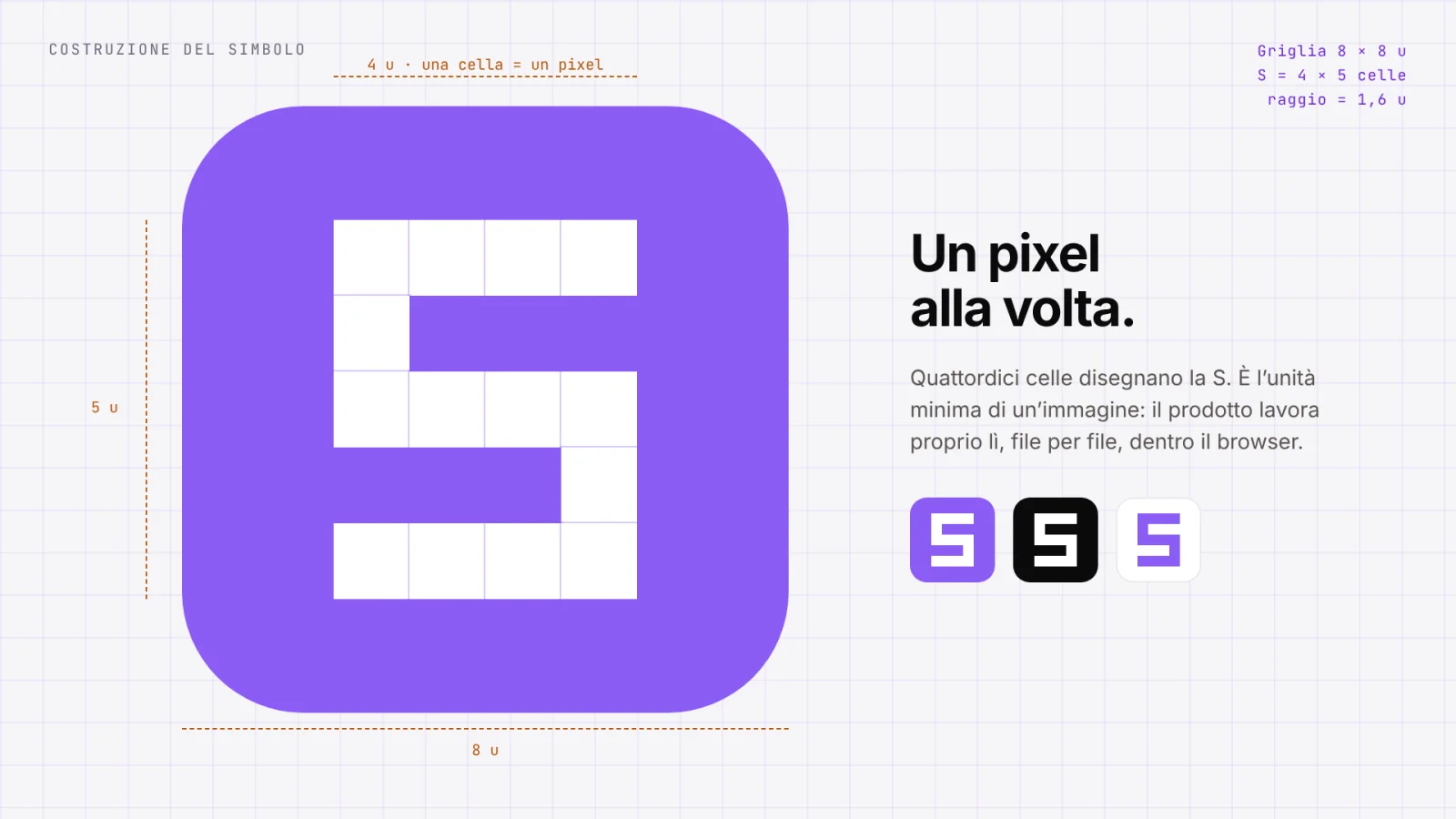
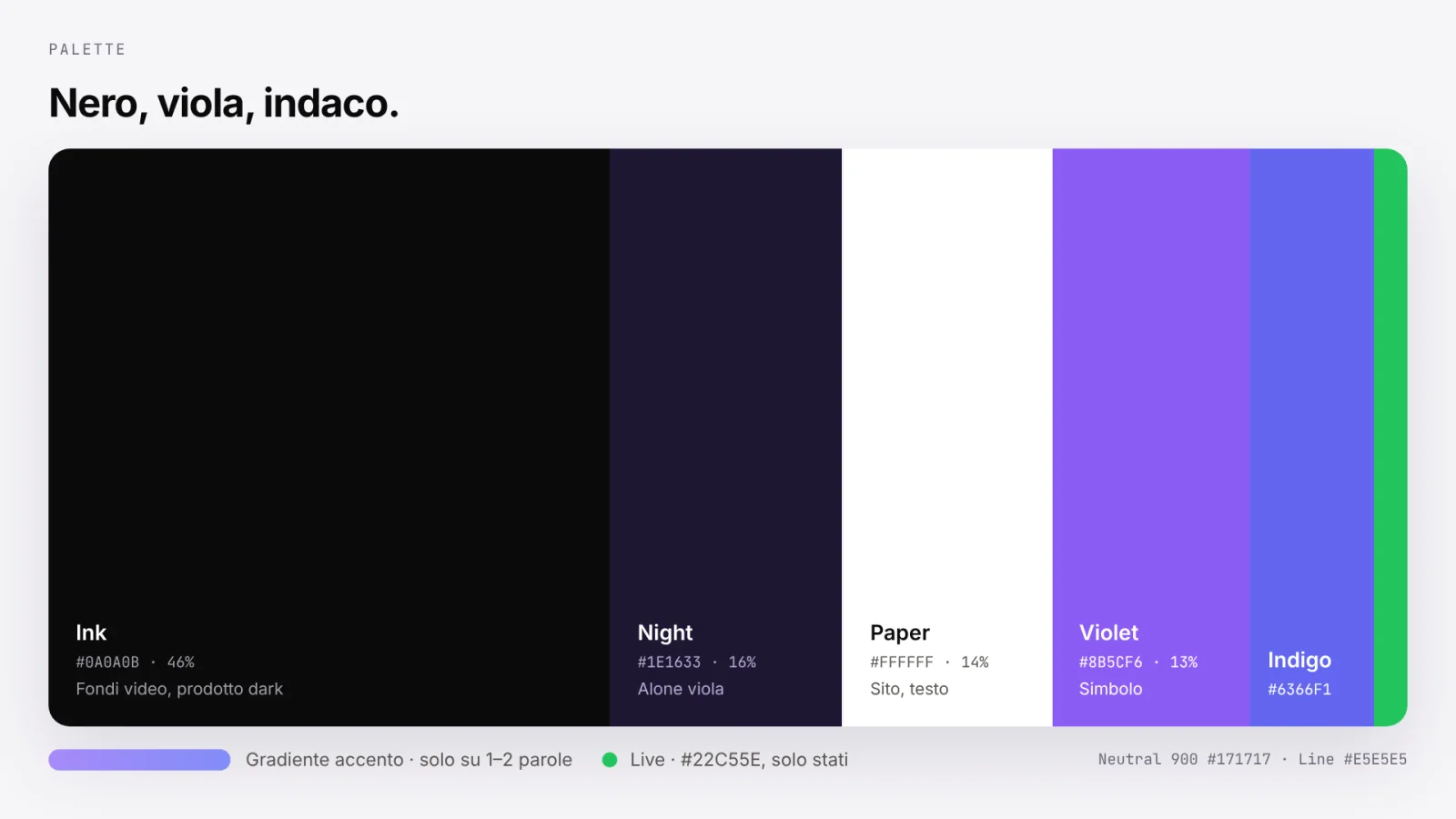
SammaPix has a real brand: black, purple and indigo, a gradient used on just one or two words, files at the centre of everything. The same language from site to icon, all the way to "Drop. Choose. Download."
SammaPix — symbol
SammaPix — palette
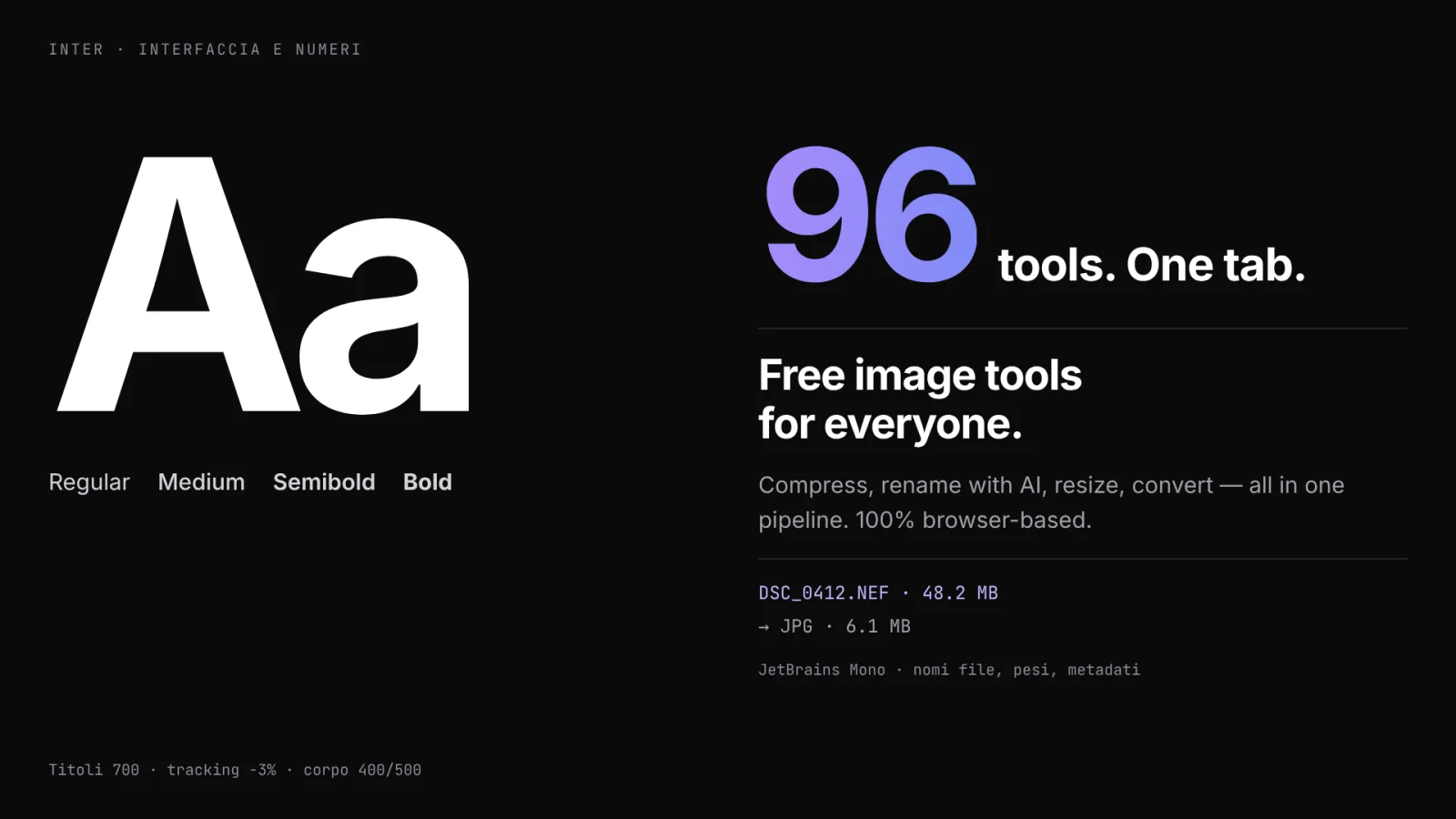
SammaPix — typography
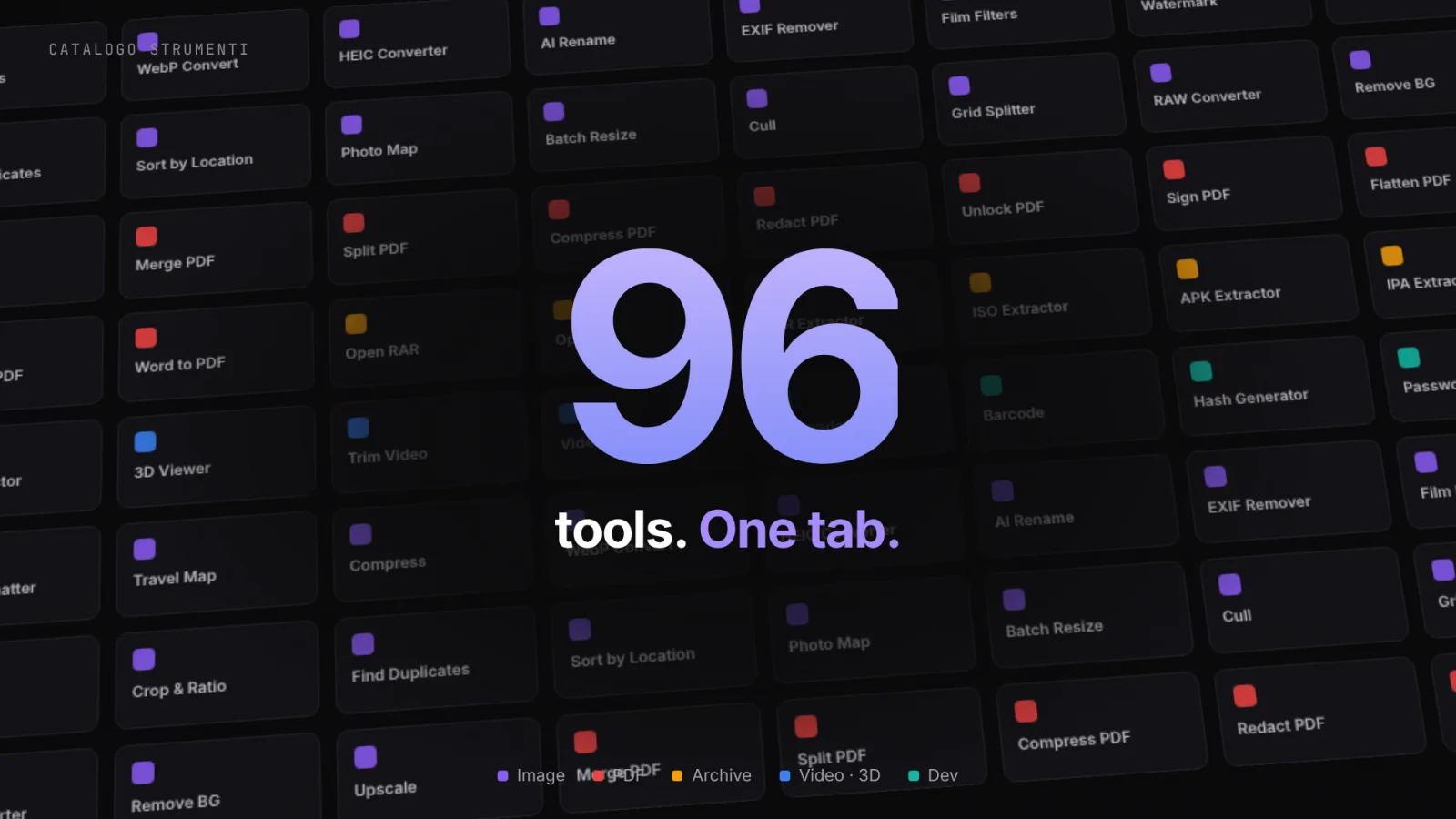
SammaPix — 96 tools
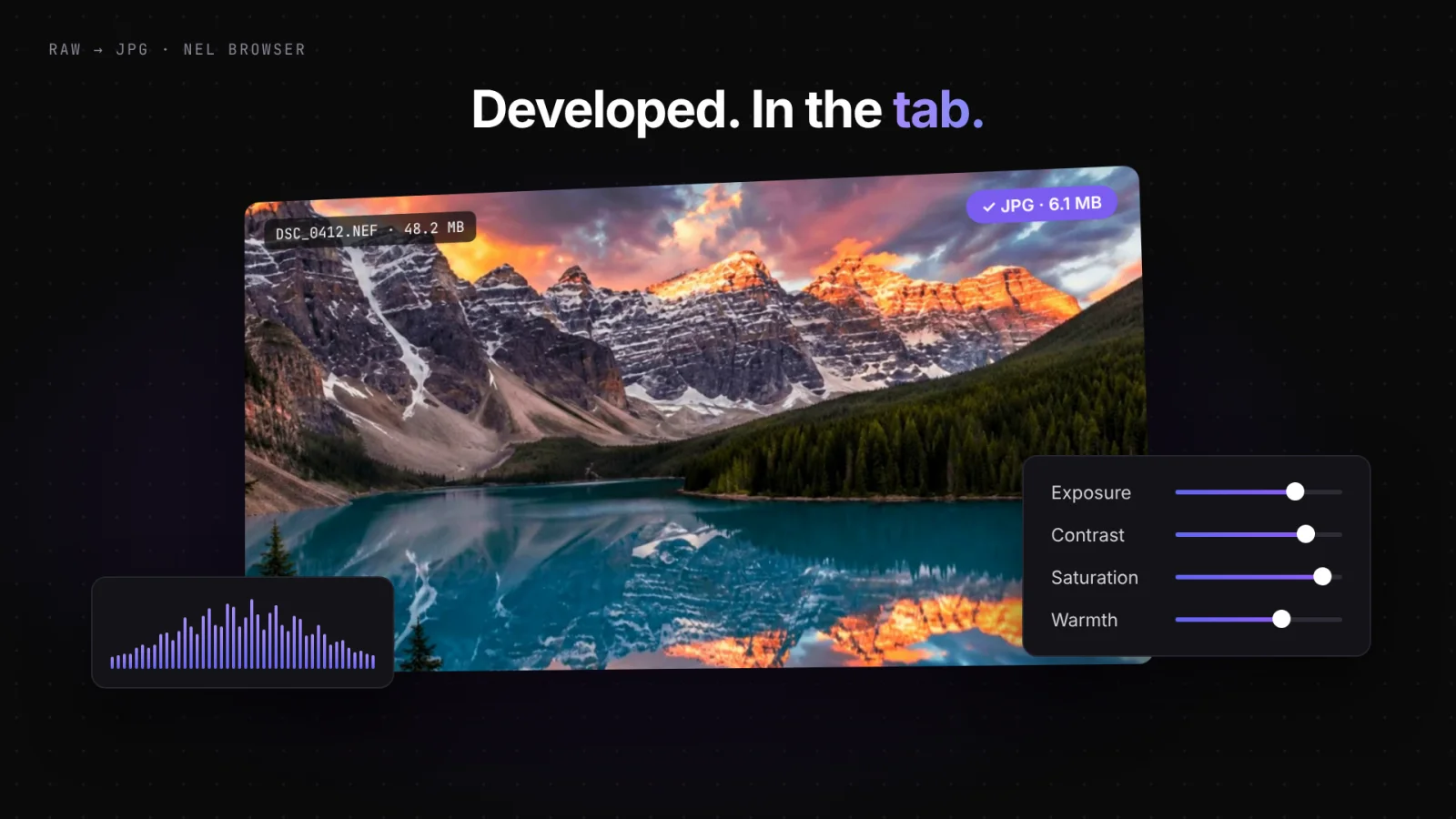
SammaPix — RAW in the browser
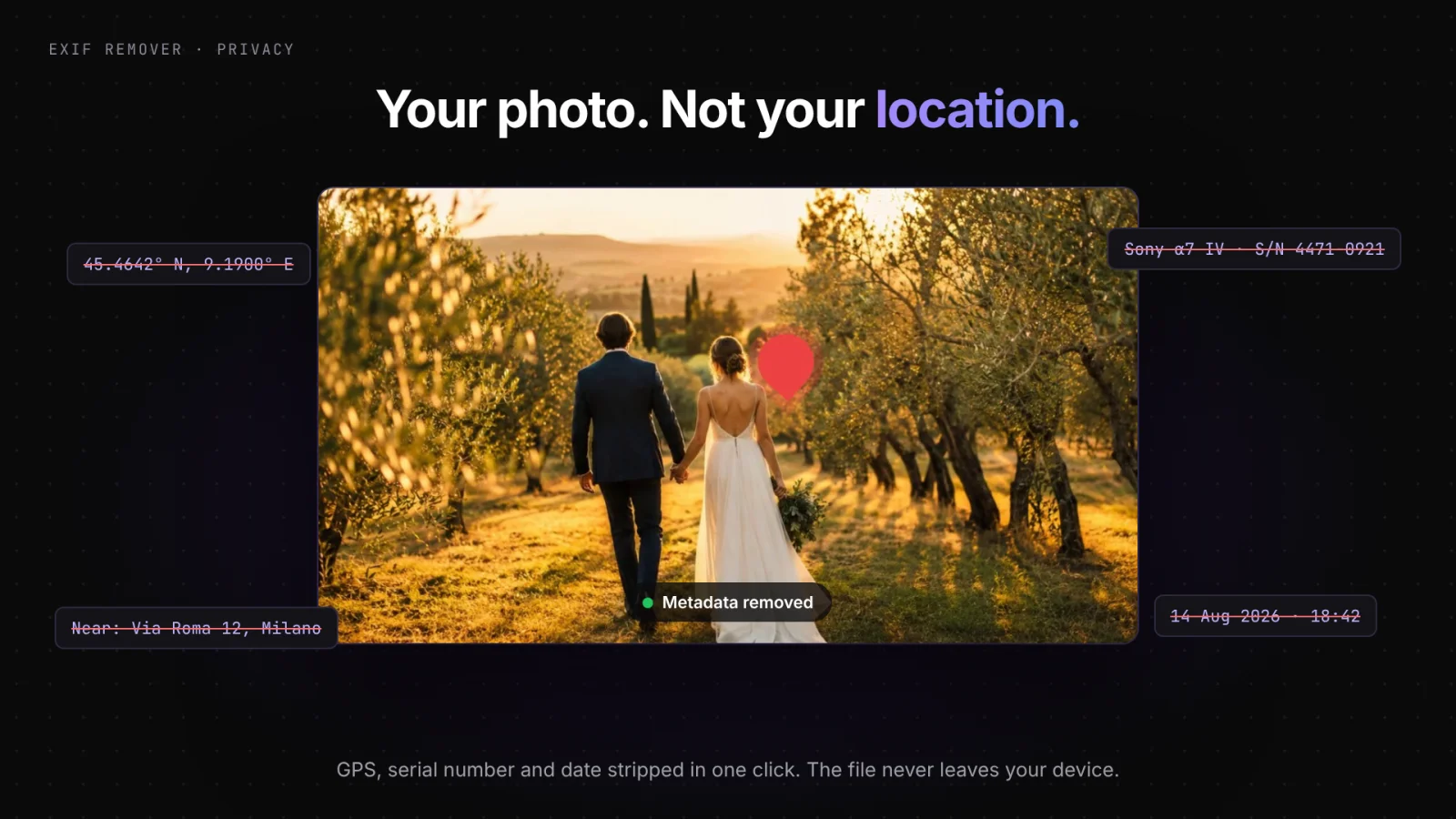
SammaPix — EXIF privacy
SammaPix — open anything
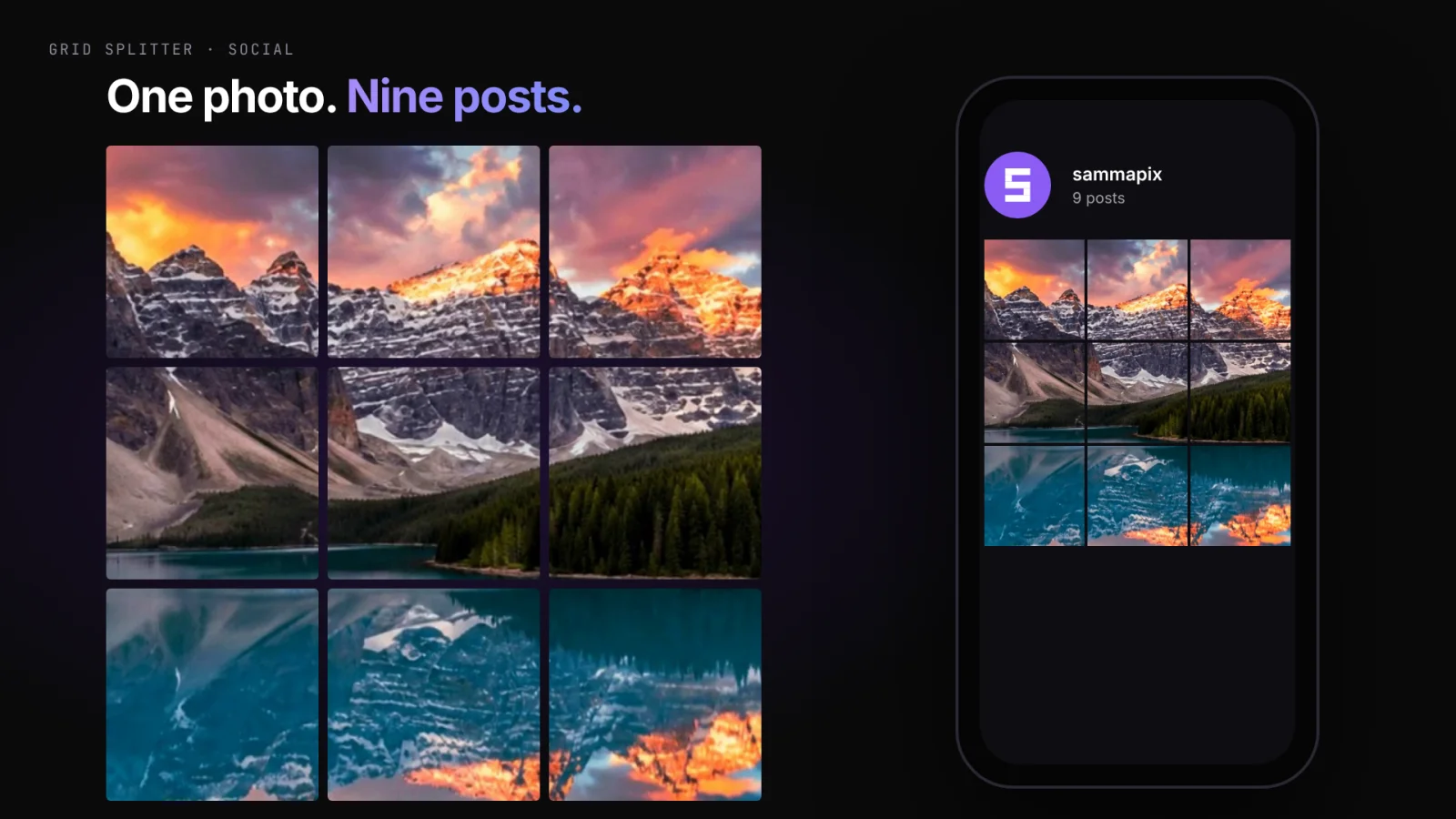
SammaPix — grid splitter
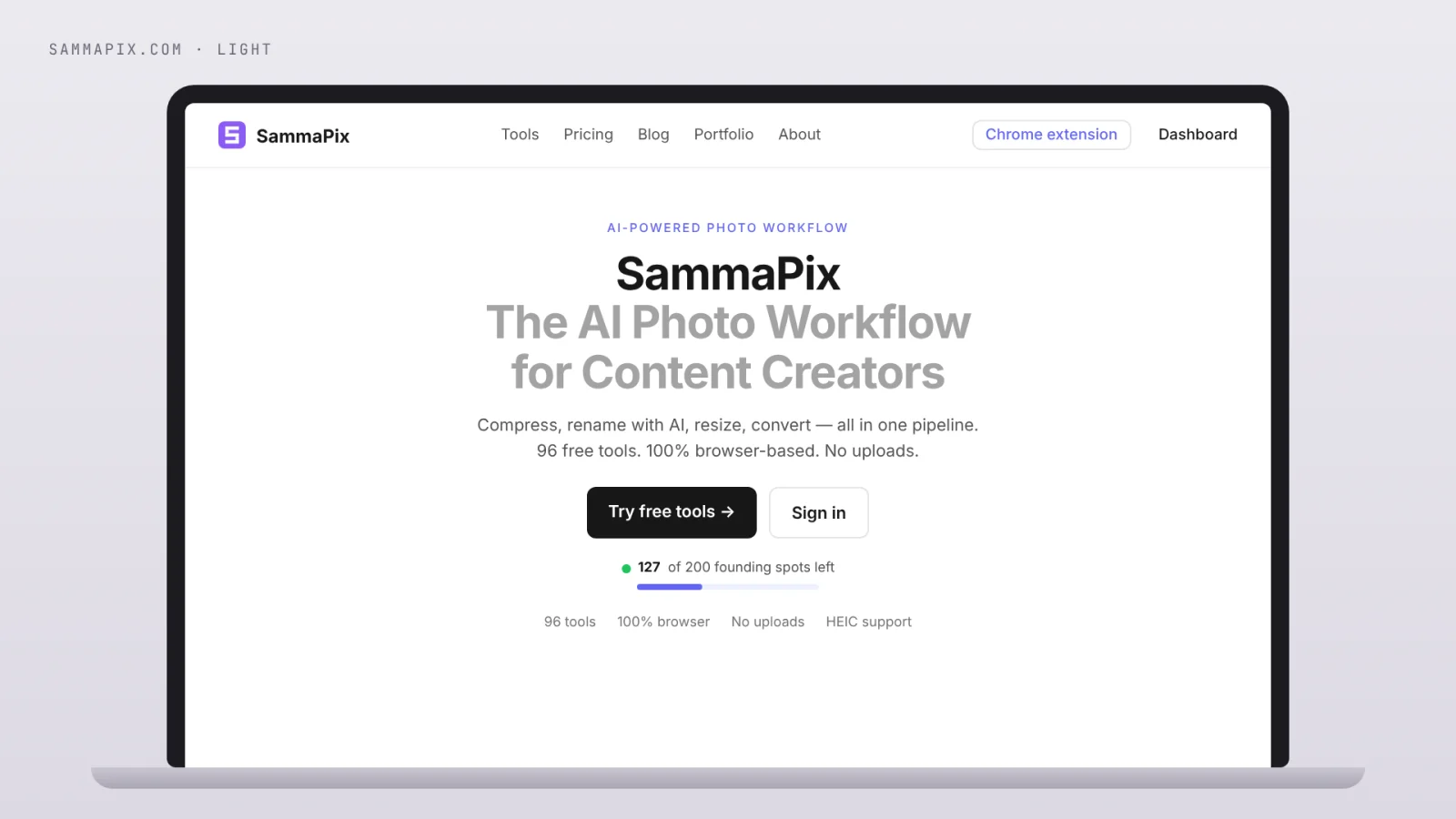
SammaPix — website
SammaPix — app icon
SammaPix — pricing
SammaPix — Drop. Choose. Download.
Questions about the project

How it
really
went

Got a similar project? Drop me a message and I'll walk you through how I'd approach it.

Luca thinking
Luca

My tool for working with files in the browser: 96 tools for images, PDFs, archives and RAW. Drop, pick, download — your files are never uploaded anywhere.

Luca

Your files stay on your device: processing happens in the browser, not on a server. More privacy, more speed, no files wandering around the network.

Luca

96 tools: convert (WebP, HEIC, RAW), compress, remove background, upscale, strip EXIF, merge/split PDFs, open archives, and much more.

Luca

No. Open the site and use the tools — no account, no sign-up. There's also a Chrome extension if you want it. Works on desktop and mobile.

Luca

Free for everyone ($0 forever): all tools, no watermarks. Pro at $9/month if you need large batches, more AI operations and ZIP downloads.

Luca

Yes: use the real, interactive tools embedded directly on this page.